You can program the dispensed volume independently for the short and long coffee buttons. The machine remembers the new value until you reprogram it.
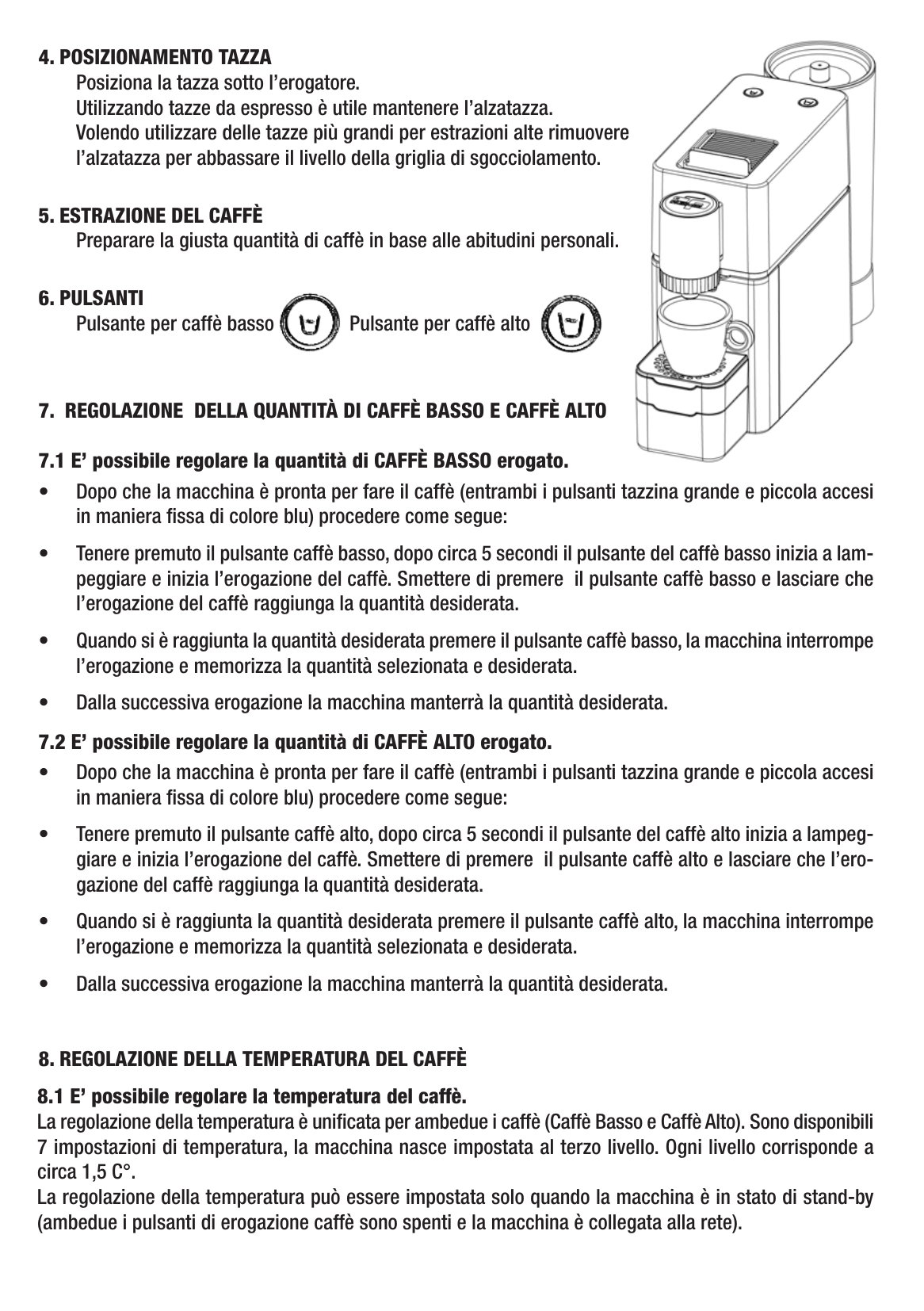
Both buttons must be steady blue (machine ready) before you start.
Programming the short coffee
- Press and hold the short coffee button.
- After about 5 seconds the button starts flashing and dispensing begins.
- Release the button — coffee continues to flow.
- When the cup reaches the volume you want, press the short coffee button once. Dispensing stops and the new volume is saved.
Programming the long coffee
- Press and hold the long coffee button.
- After about 5 seconds the button starts flashing and dispensing begins.
- Release the button — coffee continues to flow.
- When the cup reaches the volume you want, press the long coffee button once. Dispensing stops and the new volume is saved.
From the next brew the SV826 will automatically use the new programmed volume.